





Implantology
Dental Restoration
Cosmetic Dentistry
Digital Dentistry
You’ve started the sintering cycle—then realise you selected the wrong program. What now?

raevsmile
Views : 393/ Sep, 16, 2026
Views : 393/ Sep, 16, 2026
You load the restorations, select a program and press Start. Then you return to the bench to finish another case.
A few minutes later, you look at the material packaging and pause.
The zirconia in this batch is different from the one you used yesterday—but you selected yesterday’s program.
The furnace may be running exactly as instructed. The problem is that the instruction does not match the work inside.
Have you ever caught a mistake like this after the cycle had already started?
Imagine several cases are in that batch, with delivery scheduled for the following day. You have already invested time in design, milling and preparation. Now you need to understand what has happened without turning one selection error into a second, rushed decision.
The immediate questions are practical: Which program is actually running? How far has it progressed? What does the furnace manufacturer specify for safely interrupting it?
Then comes the harder question: What happens to the restorations afterwards?
Stopping a cycle and deciding whether the work can be processed further are separate decisions. Simply selecting the intended program and starting again should not be assumed to be an acceptable solution.
When contacting technical support, it helps to be able to describe the material, restoration types, selected program, elapsed time and any available temperature or stage information. These details provide context—not a universal rule for deciding whether a batch can be recovered. That decision needs guidance specific to the material and equipment.
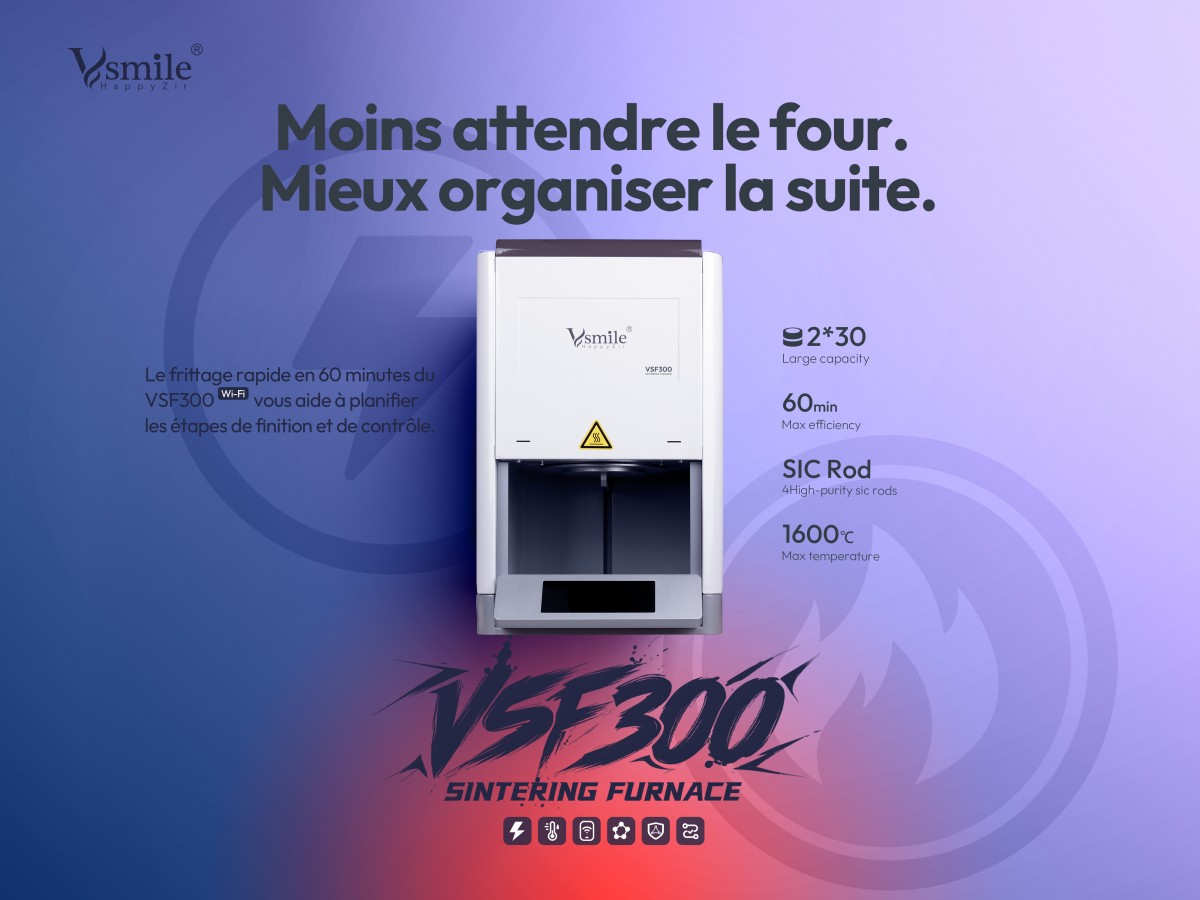
For transparency, we are posting from Vsmile. The VSF300 Wi-Fi version allows users to view its operating status through a mobile browser and remotely stop the current sintering task once the network and server access are configured and available.
Those functions provide a way to check status and stop a task remotely. They do not detect a material–program mismatch automatically, guarantee that affected restorations can be recovered, or make the furnace safe to open immediately. The equipment’s safety instructions still apply.
Beyond handling the incident, we are interested in what changes afterwards.
“Be more careful” is an understandable reaction, but it does not change two similar program names on a screen or make an unclear material label easier to identify during a busy shift.
Some teams might introduce clearer program names. Others might keep the material identification with the batch or add a brief material–program check before pressing Start.
We would like to hear your experience:
How did you discover the mismatch, and what information did you need from technical support?
What made the wrong program easy to select in the first place?
What specific change helped your team avoid repeating it?
Please include the furnace model and material if you share an example, so others understand the context. There is no need to share patient details.
If you could add just one check before Start, what would it be?
0
- Prev곡선주로의 가속과 직선주로의 추월에서 오는 순위 변동의 차이Sep, 16, 2026
- NextFinal polishing tool-Robinson Brush Sep, 16, 2026
There are no registered comment.